Develop your ideas and visual style
Explore how to turn an idea into a scene. Choose the setting, colours, lighting and atmosphere, and understand how those decisions shape the result.
 Studio
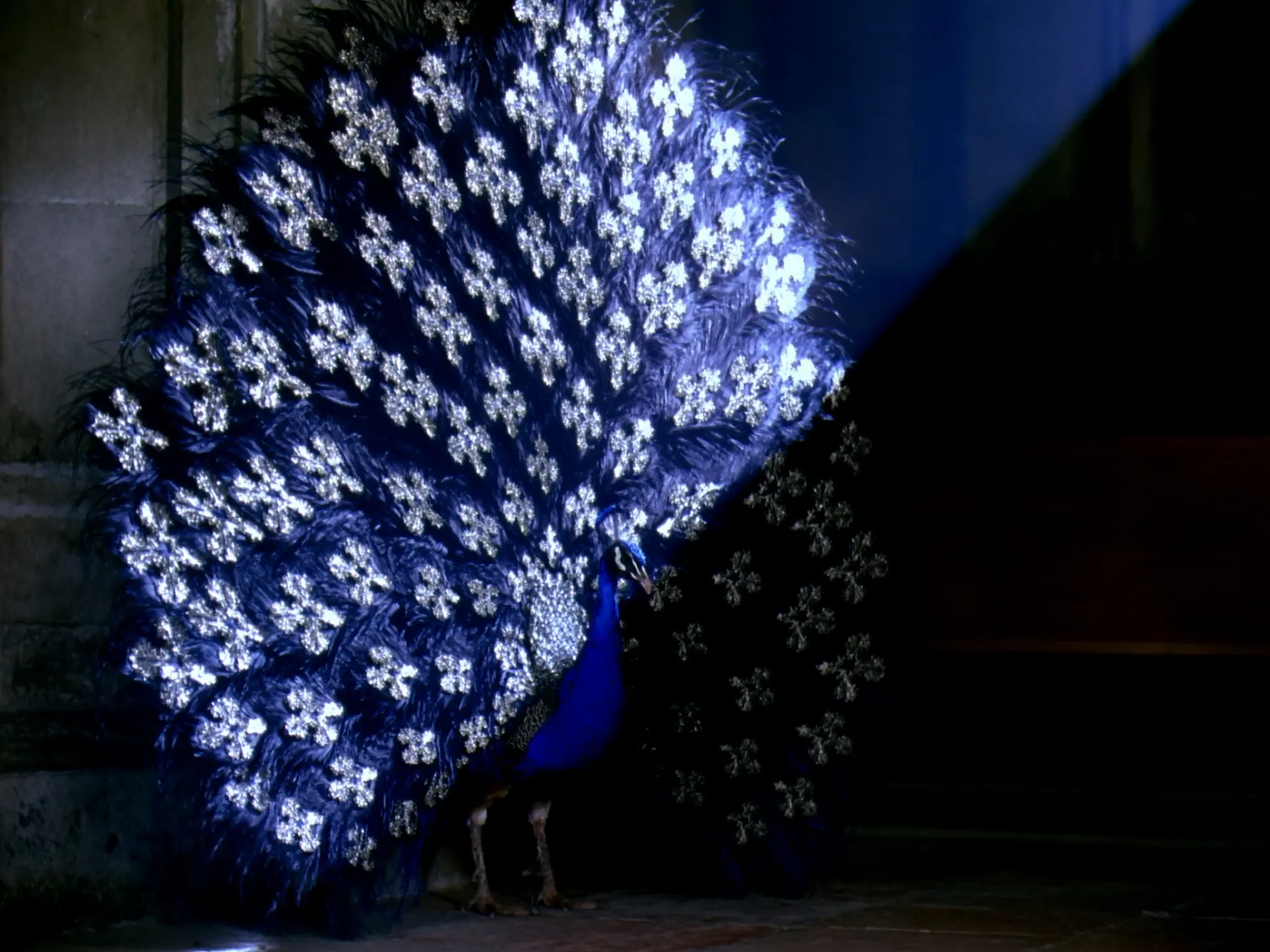
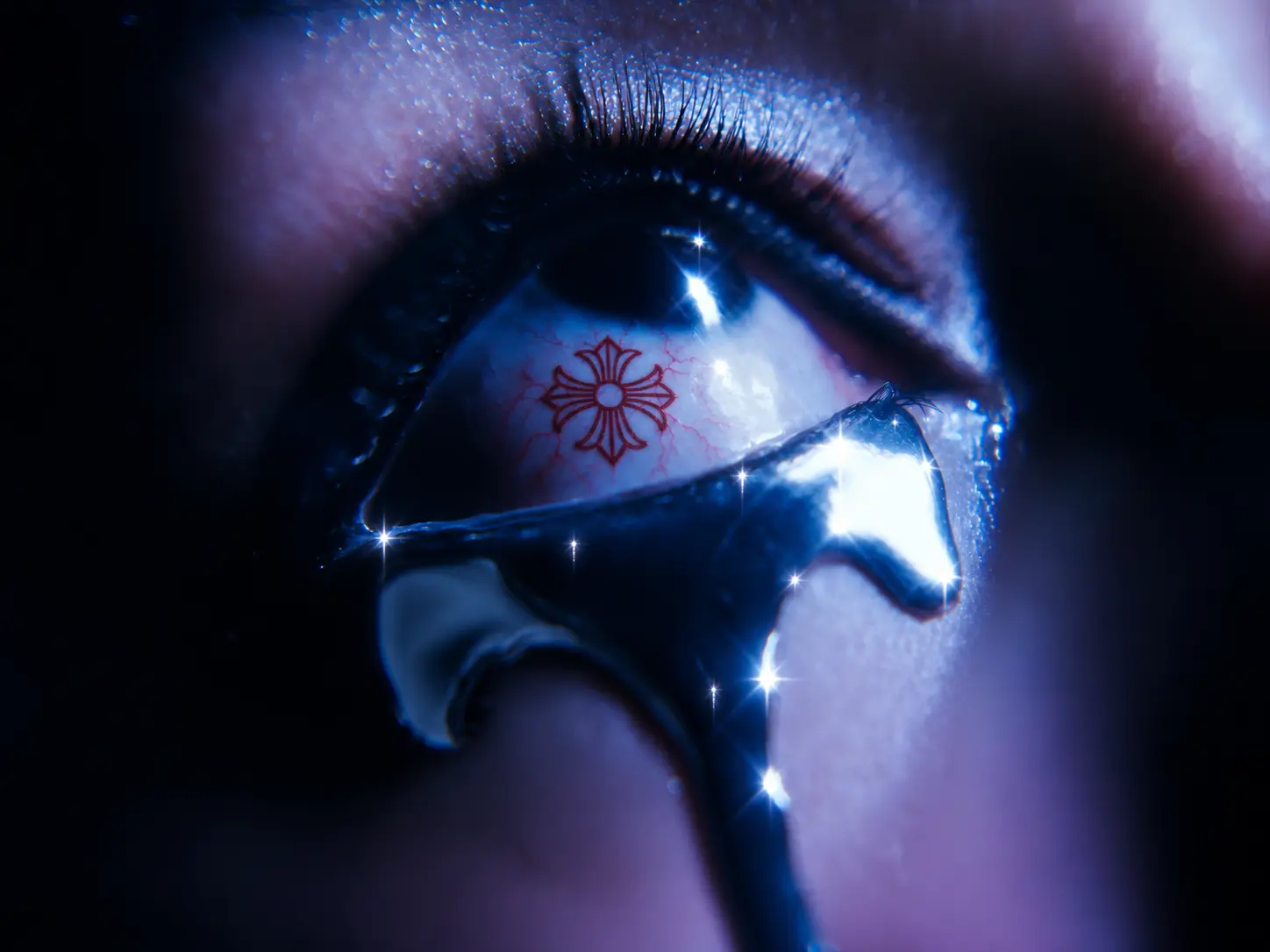
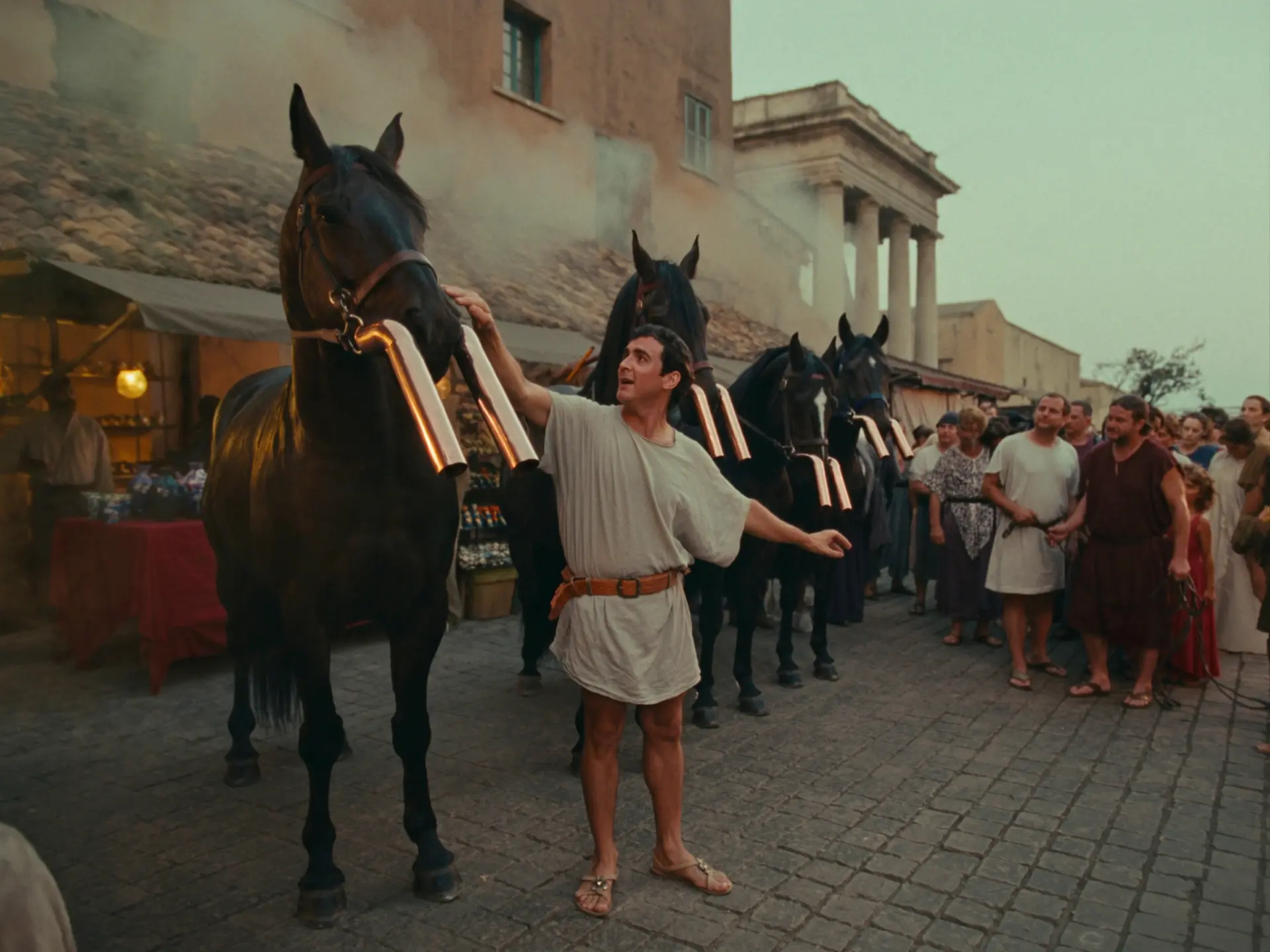
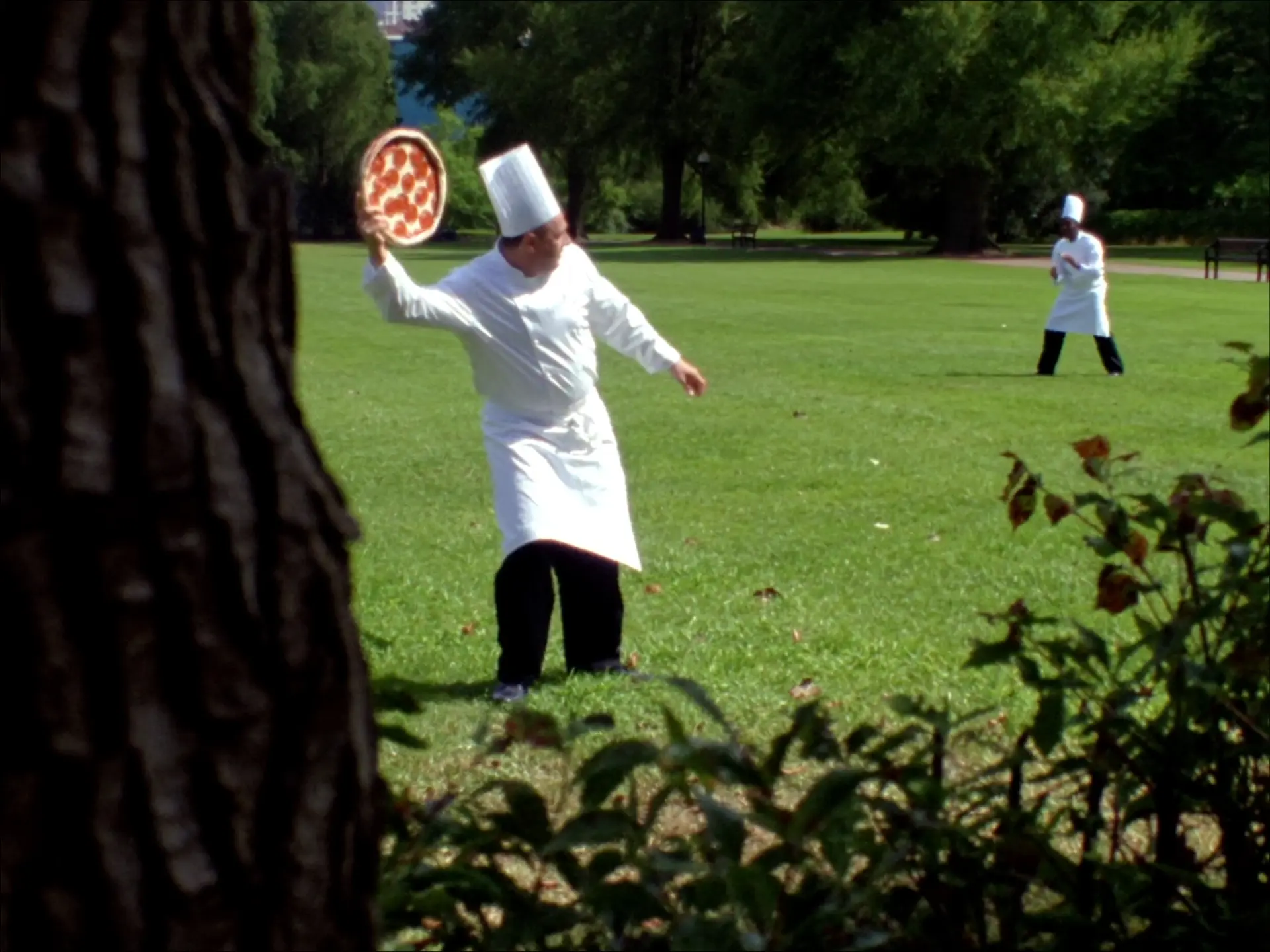
Learn how I create the AI videos behind Skin of Many, from developing an idea and building its visual world to directing the camera, writing prompts and generating the footage.
This illustrated course takes you through my actual creative process, with examples from my work, detailed explanations and practical tutorials you can apply to your own projects.
Downloadable PDF. One time payment. No account needed.
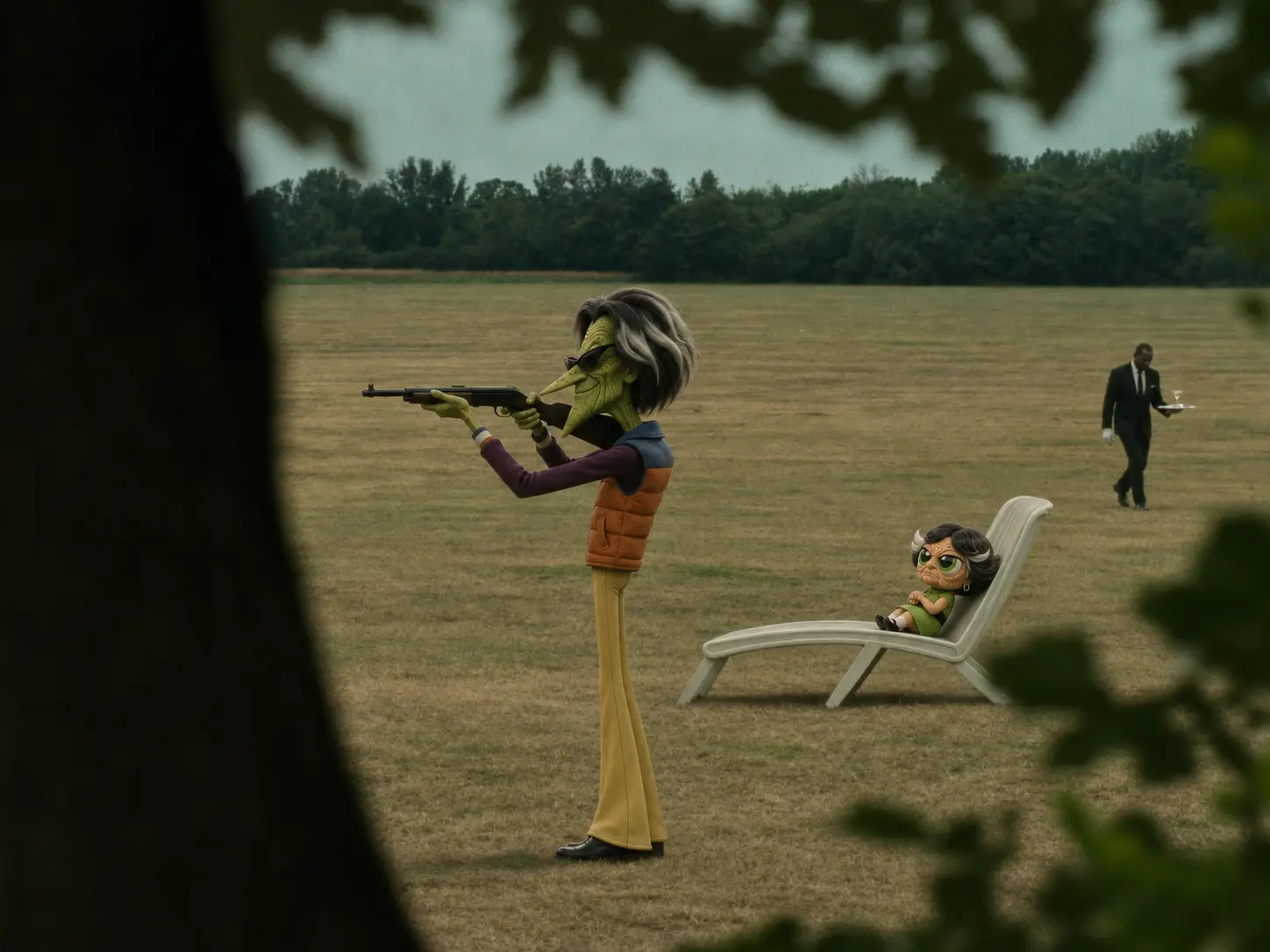
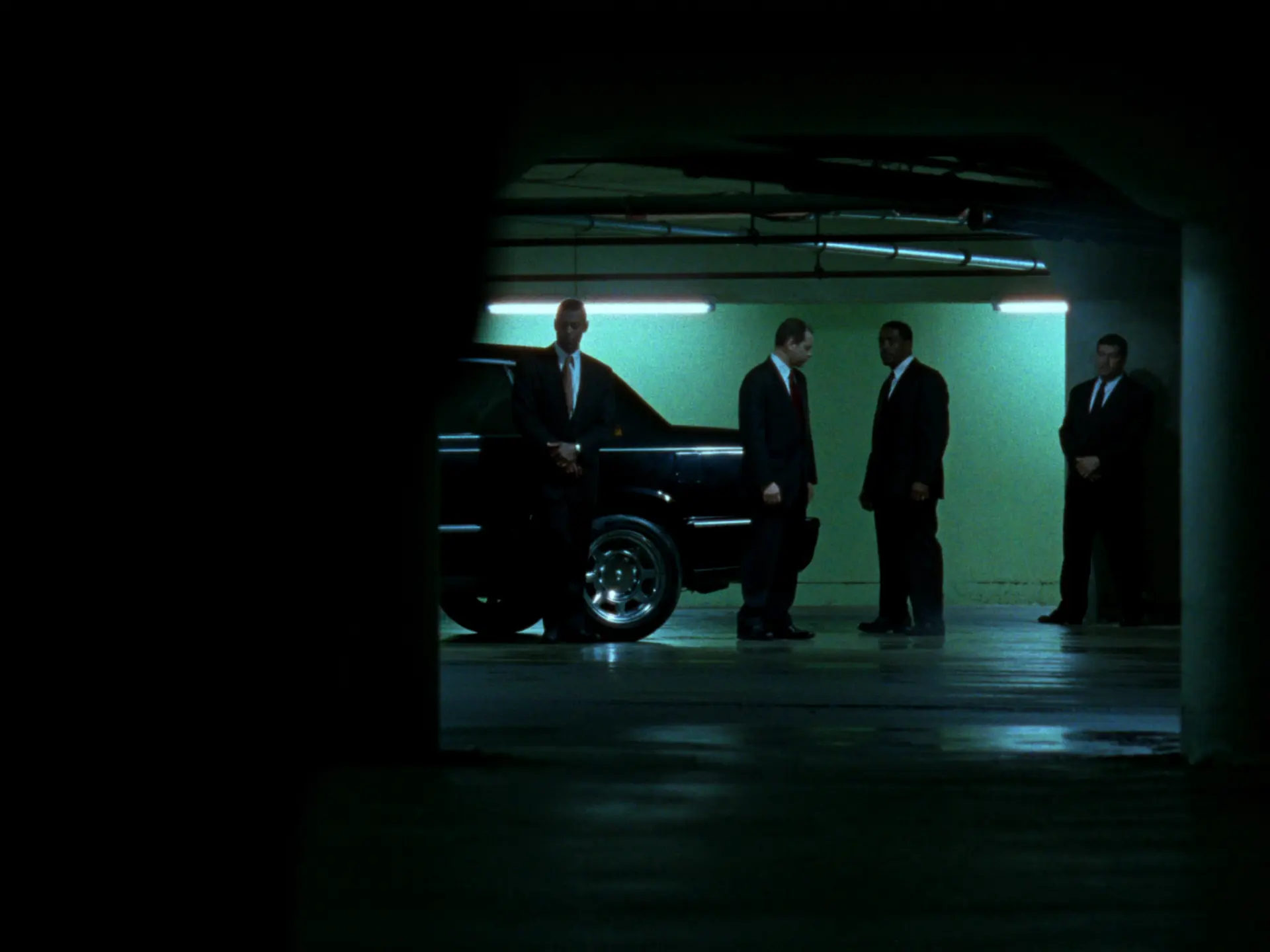
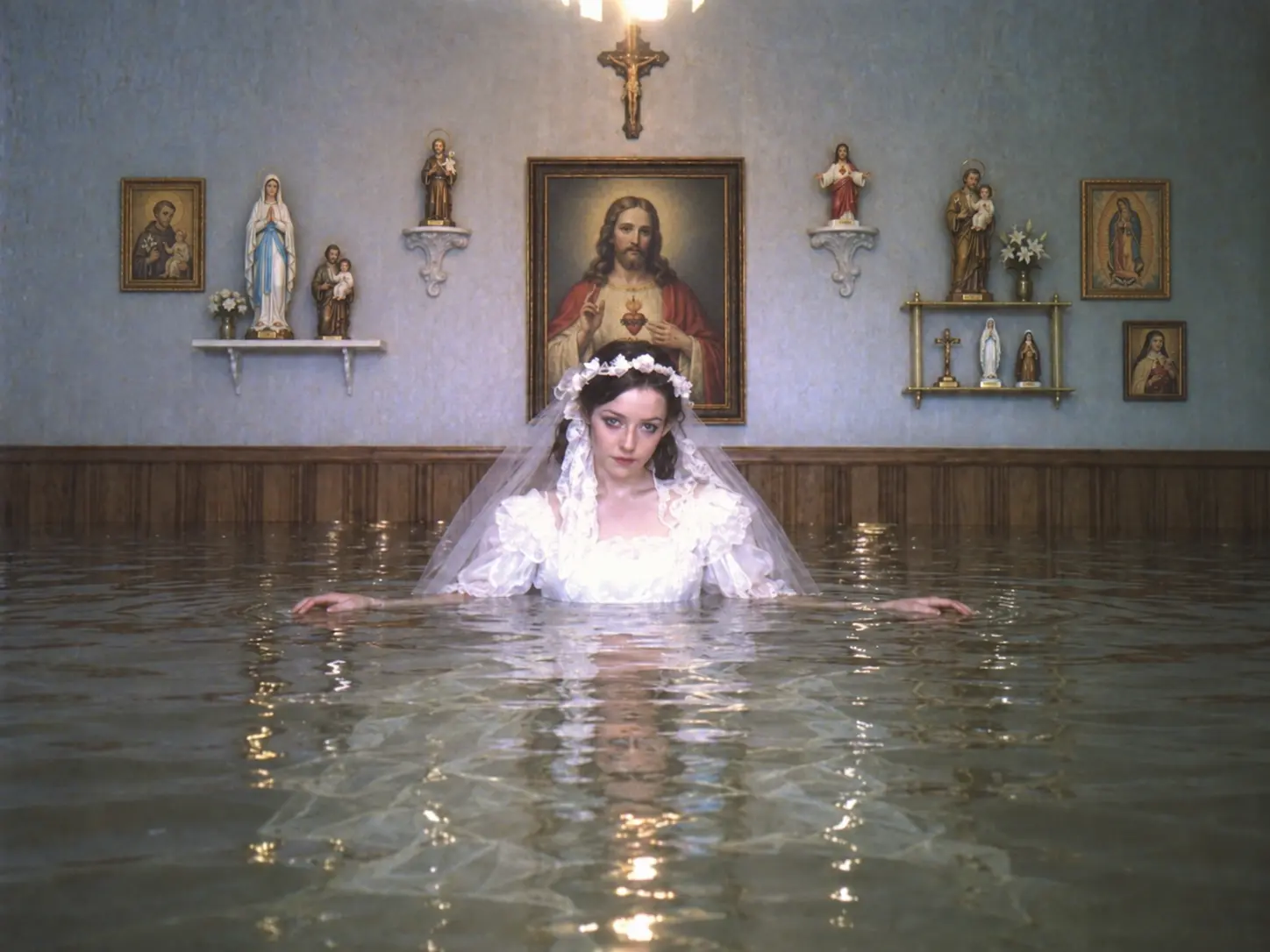
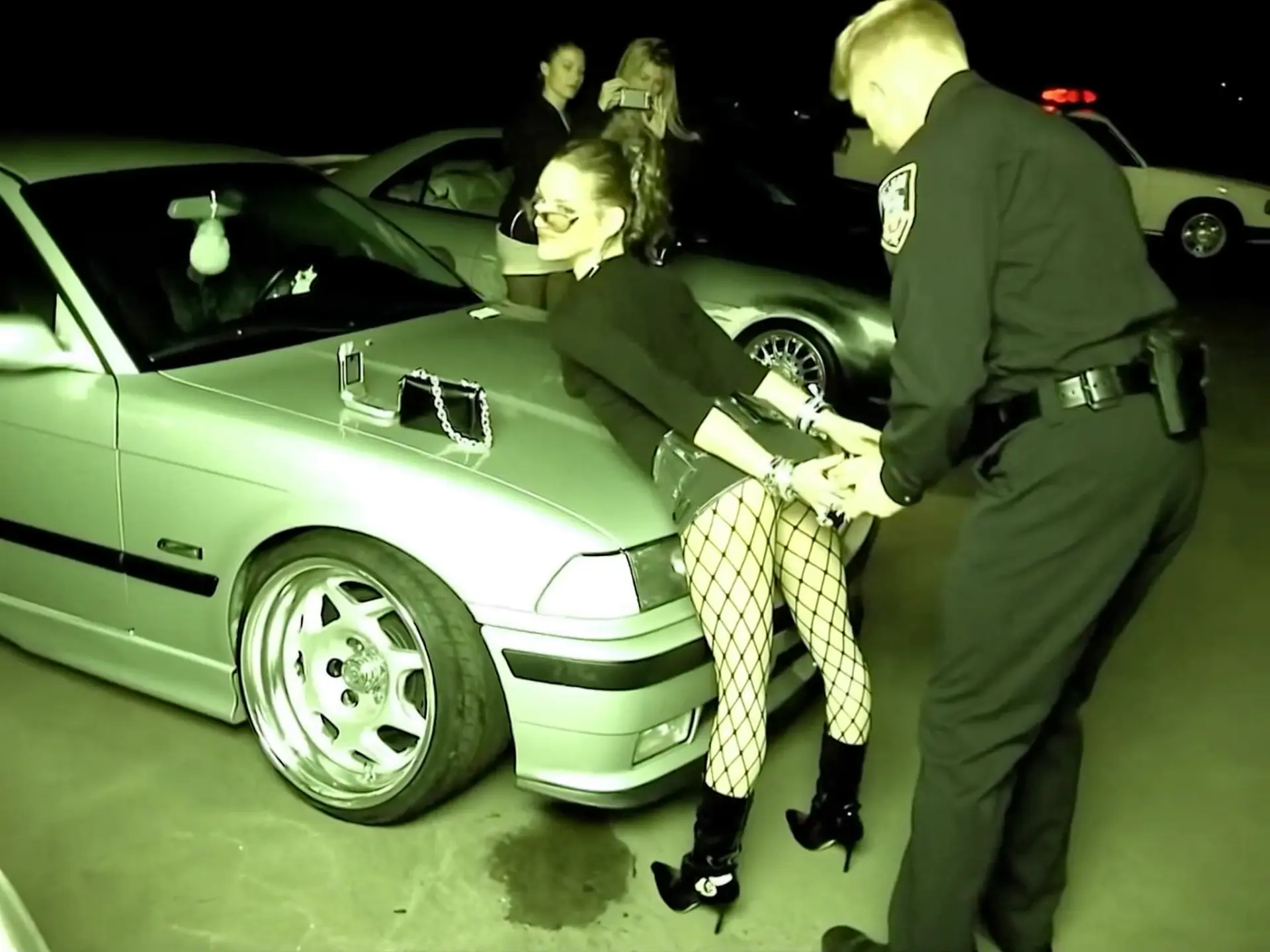
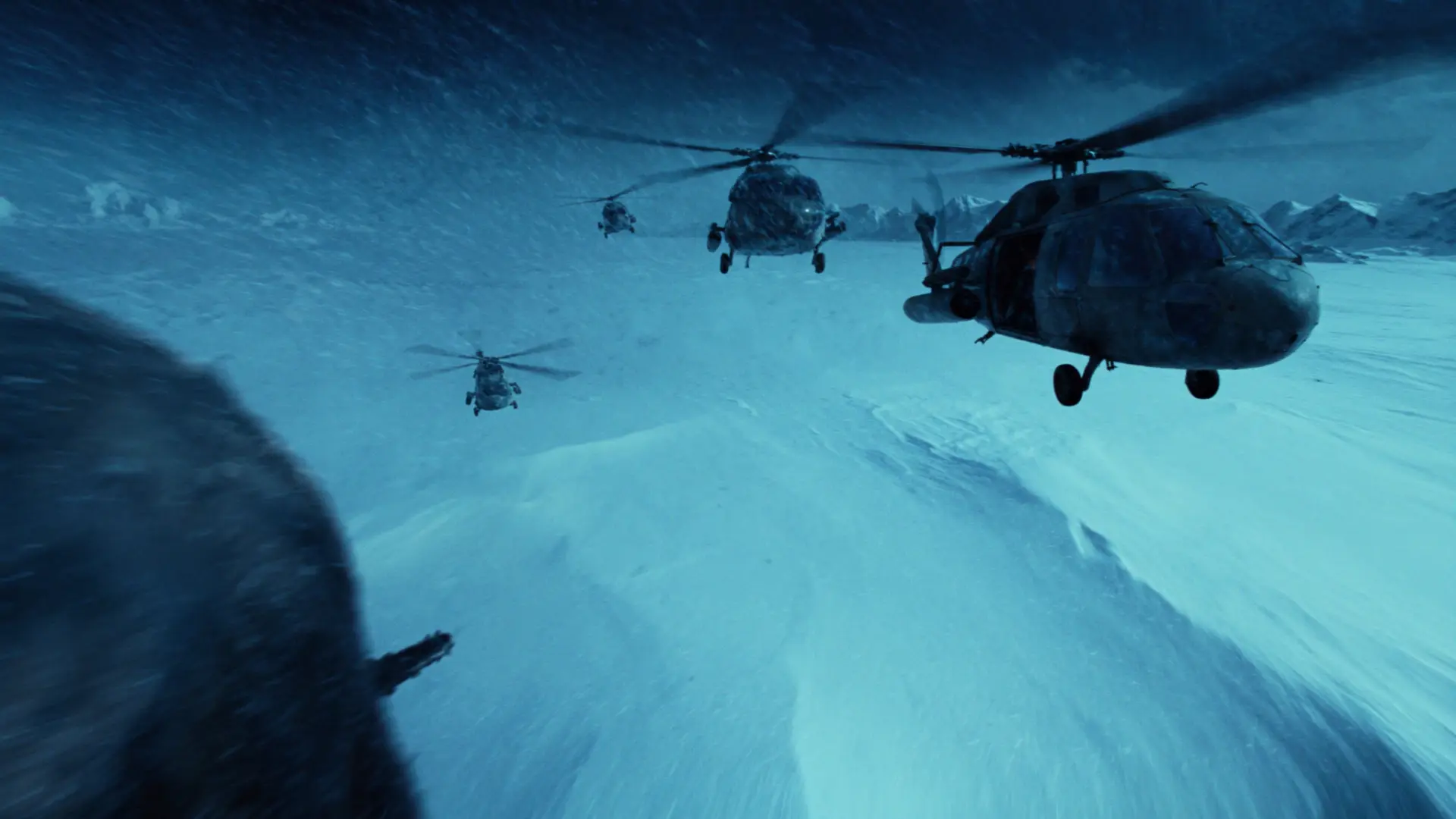
The creative process
Explore how to turn an idea into a scene. Choose the setting, colours, lighting and atmosphere, and understand how those decisions shape the result.
Learn how I prepare character sheets, establish locations and build references for props and accessories. Understand when separate references help and when a single complete scene image is enough.
Bring your character and environment together while keeping the aesthetic consistent. Use a composed image to establish the camera position and framing before moving into video generation.
Understand how lens choices, camera angles, distance and movement change the way a scene feels. Explore observational framing, tracking, handheld movement, zooms and focus changes through visual examples.
Describe the action in a clear sequence without timecodes. Include natural gestures, environmental movement and camera behaviour to make the scene feel more convincing.
Understand why I sometimes generate more footage than I need, how I choose the moments worth keeping and when I revisit an idea after seeing the result.
Learn how I handle grain and reduced clarity after repeatedly editing an image in ChatGPT. Consolidate your changes into a complete prompt and generate a fresh image using your references.
Work with product references, packaging, branding and small label details. Learn where higher resolution fits into my workflow and what I check before taking an image into video generation.
The course brings the explanations together with screenshots from my videos, reference images and worked prompt examples. See how different creative decisions affect the scene and use those techniques to develop your own approach.
Creators, artists and marketers who want to understand how to develop and direct AI video scenes, with practical guidance on references, prompts, camera choices and visual consistency.
An illustrated PDF course containing detailed explanations, practical tutorials, visual examples and prompt examples.
The Skin of Many workflow, one scene at a time.
$55 USD / one time
Downloadable PDF. One time payment. No account needed.